After you install the software, login to made4trading, load the platform and open a chart by clicking the chart icon:
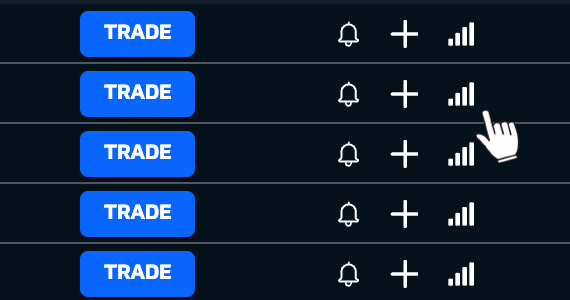
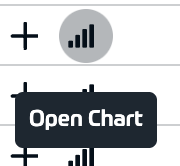
Once the chart is open, you will see new controls on the top bar (settings are always saved when you change them). There is also an option to have all controls floating as a vertical bar. Please read ahead.
New options are available on the chart toolbar (or vertical bar if enabled):
Sell and Buy market buttons and current market spread
Size, Stop Loss and Take Profit settings (whenever you input any values, they will be automatically saved and loaded when you come back to this market again)
Settings window
Positions and Orders window
Day Transactions window (Module is disabled by default)
Market Explorer (Module is disabled by default)
Economic Calendar (Module is disabled by default)
Software Announcements (Module is disabled by default)
Trading Signals Window
Toggles to hide/show all order lines on the chart,show CNBC previous day close price (DAX, FTSE, NAS, DOW and SPY) and High / Low of the day (Native broker's High and Low)
Countdown timer