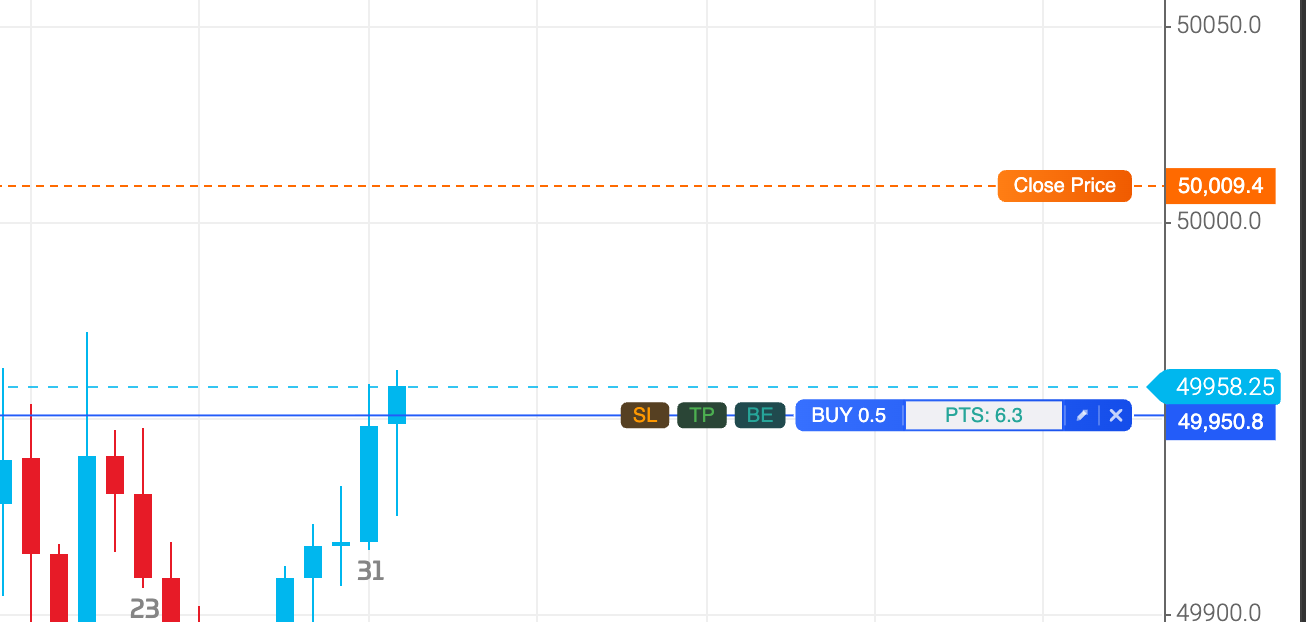
X Button - Closes your position. Clicking the X button on a SL / TP line will remove the “protection” orders (SL / TP).
"Pencil" Icon: Toggles the modify window, allowing you to edit your stop and limit points for the position.
Clicking the BE pill will set your stop to breakeven. It does require that your current profit/points are at least the minimum distance required depending on the market you are trading.
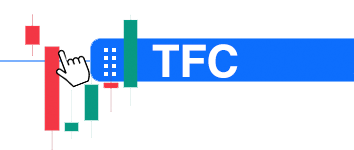
Drag SL / TP pills to set your Stop Loss / Take Profit.