
1 - After you have downloaded the .zip file and unzipped in a location on your hard drive, please follow the instructions below:
Chrome Users:
1 - Open a tab, and type chrome://extensions
You will see the following page:
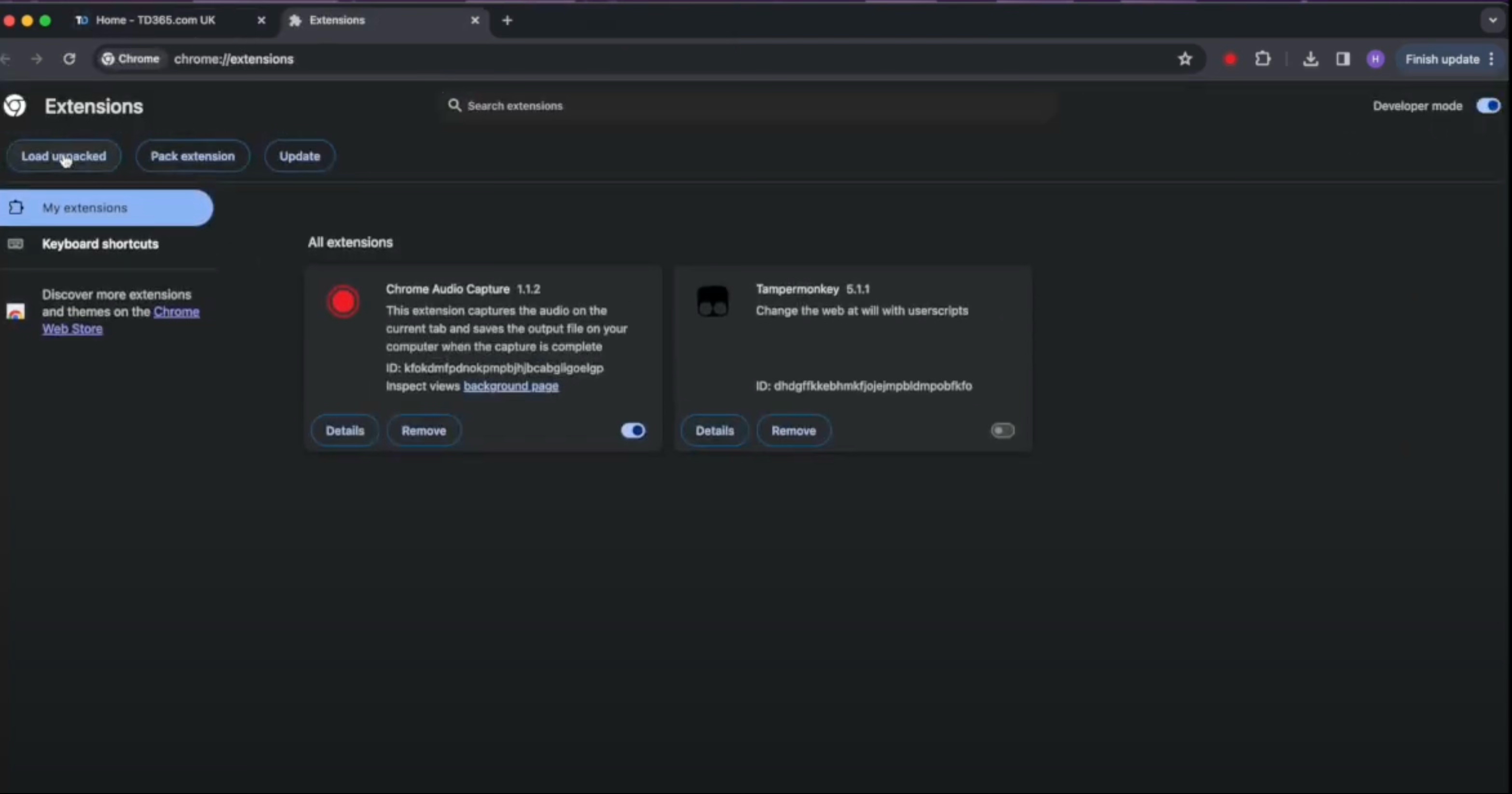
Make sure "Developer Mode" is on:

3 - On the upper left of your screen, click on “Load Unpacked”
4 - Now, browse to the location where you unzipped the downloaded file, and make sure you select the folder where the software files are located ("TFC_v1.*_TN"), and click select.
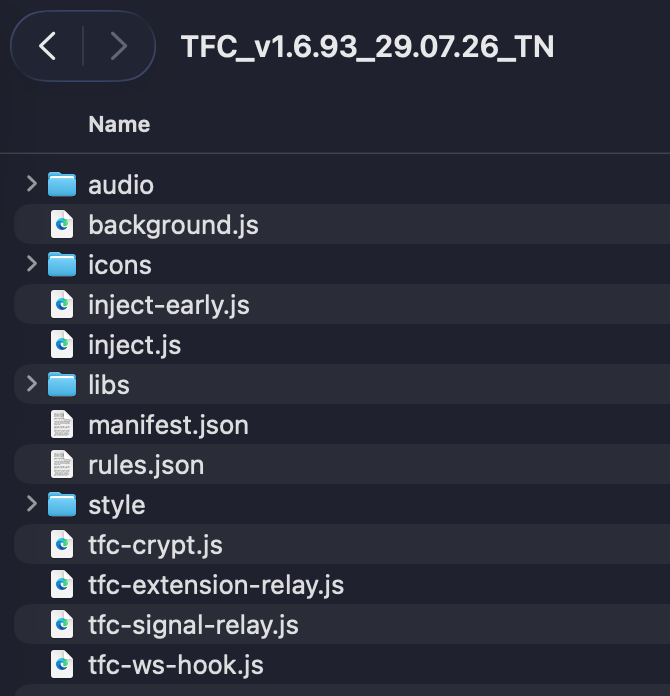
5 - You now have the extension installed on your list of installed extensions.
Microsoft Edge Users:
1 - Open a tab, and type edge://extensions
You will see the following page:
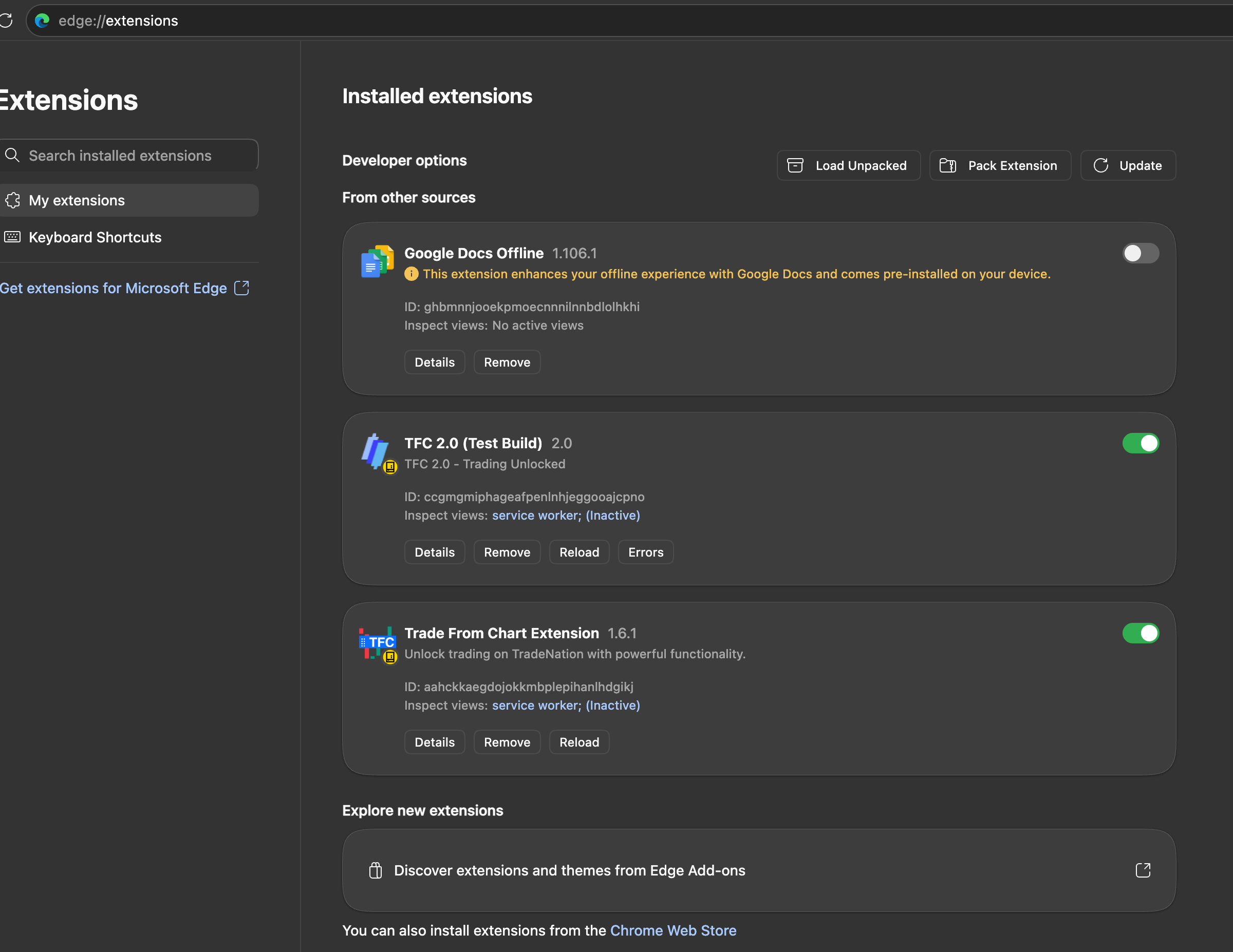
4 - Now, browse to the location where you unzipped the downloaded file, and make sure you select the folder where the software files are located ("TFC_v1.*_TN"), and click select.
5 - You now have the software installed on your list of installed extensions.