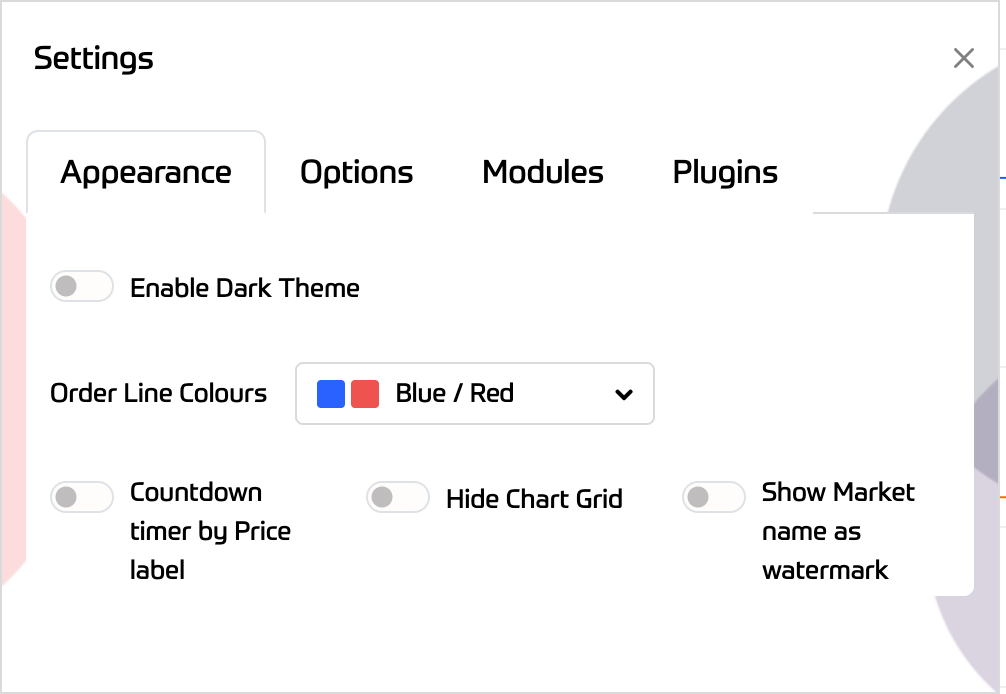
The settings window has 3 tabs. The first one allows you to set dark theme, colours to your position and order lines, show countdown timer by price label, hide and show chart grid and the current market name as a chart watermark
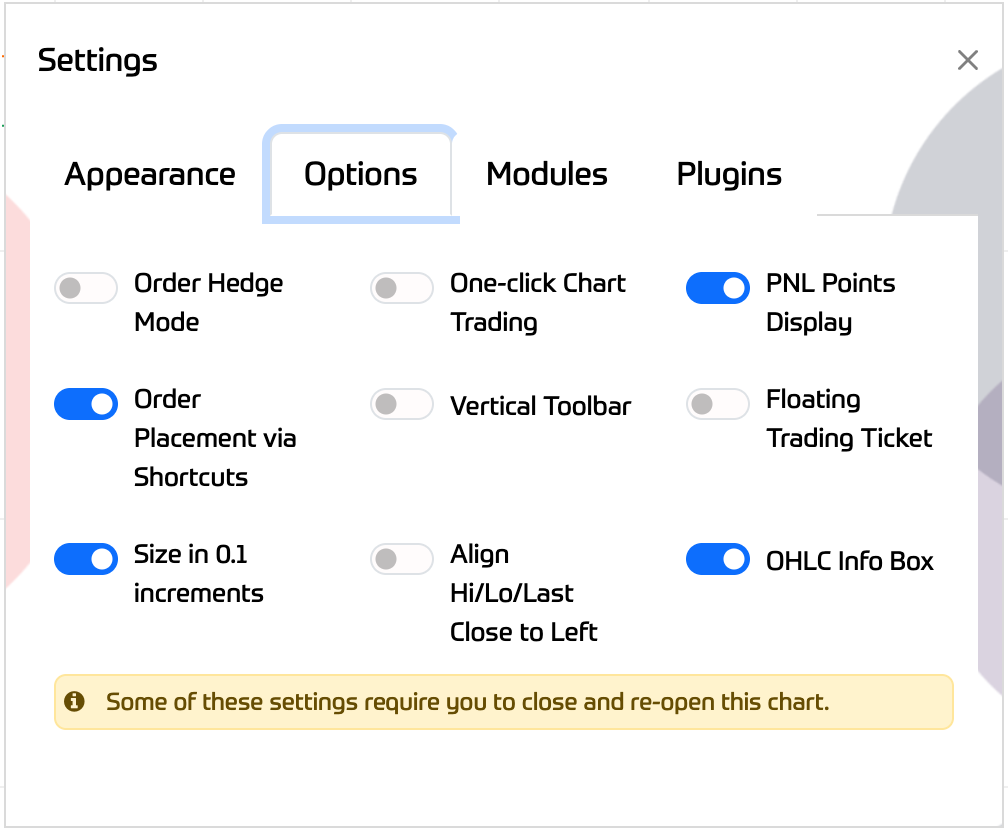
Order Hedge - Set hedge mode to on/off
One-click chart trading - Allows you to create market orders with keyboard shortcuts: Click on the chart, and use "S" on your keyboard to place a sell market order, or “B” to place a buy market order
PNL Points Display - Show your PL in points instead of currency amount
Position Dblclk to BE - Double-clicking the position line moves your stop to breakeven
(It does require that your current profit/points are at least the minimum distance required depending on the market you are trading)
Order Placement via Shortcuts - Toggle on/off order placement using keyboard shortcuts (Shift+B for Buy, Ctrl+S for sell)
Vertical Toolbar - Displays the toolbar as a floating vertical bar in the chart window
Floating Trading Ticket - Displays Trading ticket as a floating option inside the chart
Size in 0.1 increments - Adjust stake size in 0.1 increments
Align Lines to the left of the chart
OHLC Info Box - Alternative to ChartIQ's floating OHLC tooltip
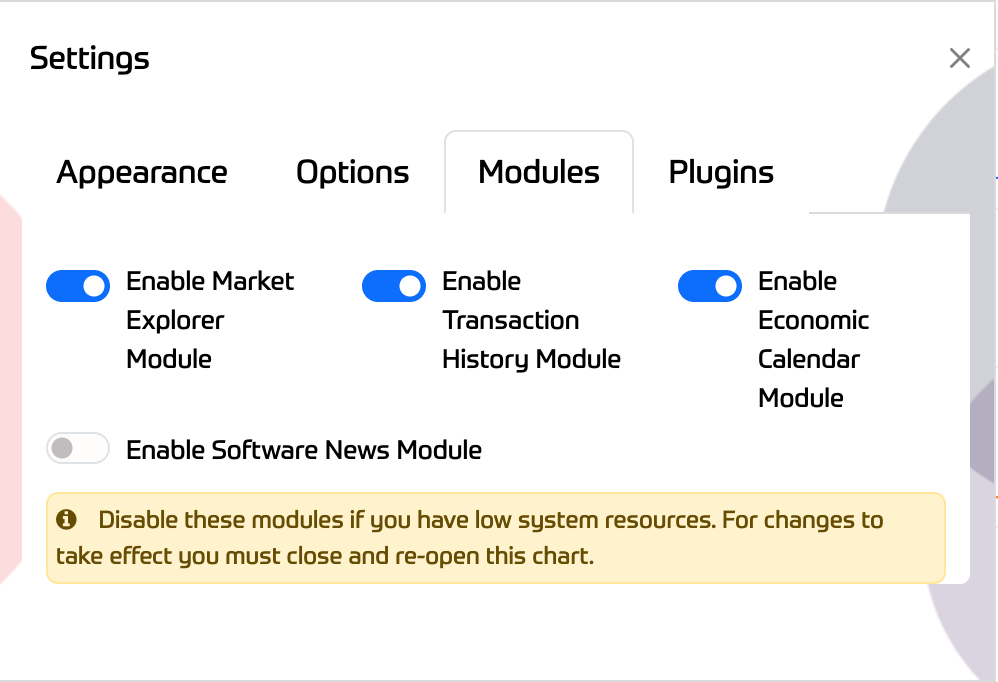
Modules Tab - You can enable or disable individual modules if you have low system resources. You need to close and reopen a new chart tab for changes to take effect. This also applies for any other charts you have open
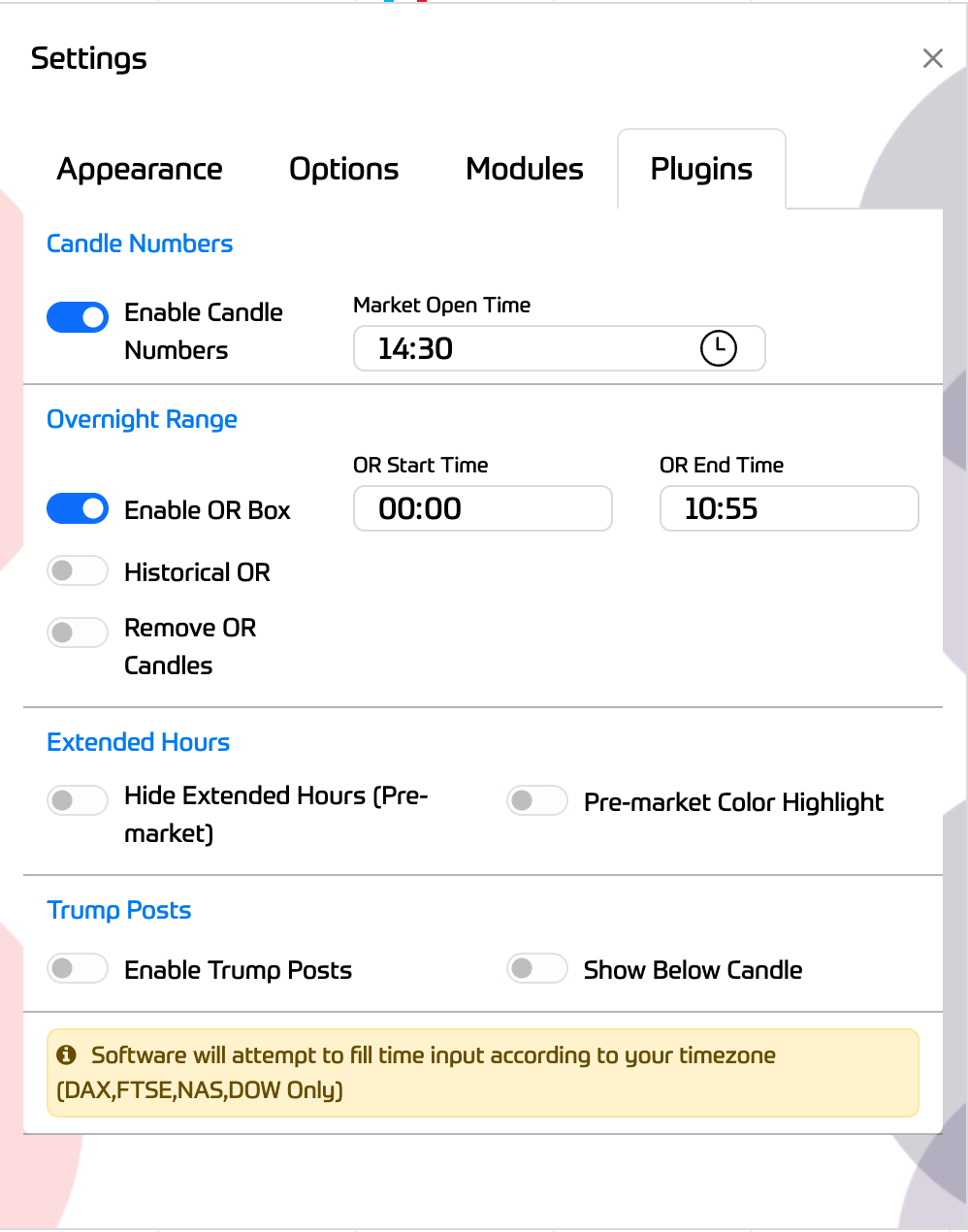
Plugins Tab - Candle Numbers,Overnight Range Box,Historical OR,Remove OR Candles,
Extended hours toggle and Trump TruthSocial Posts as signals on chart